Hidden cameras in hotel rooms and short-term rentals are far more common than most travellers expect. Reports of surveillance devices found inside smoke detectors, alarm clocks, and USB chargers have appeared in BBC, CNN, and The New York Times. Knowing how to check your room properly takes under two minutes — and can save you from a serious privacy violation.
This guide covers every method that actually works, in the order you should use them.
The short answer: Use three methods in sequence — Wi-Fi network scan, Bluetooth scan, and physical inspection. Each catches different types of cameras. All three together take under two minutes.
Why one method is never enough
Most apps only check one thing. Some scan Wi-Fi networks. Others claim to detect magnetic fields (ineffective against modern cameras). A few use your phone camera to spot infrared light.
The problem: camera manufacturers are aware of these detection methods. Modern covert cameras use different transmission methods — Wi-Fi, Bluetooth, or no wireless signal at all (local SD card recording). No single scan catches every type. You need all three layers.
Method 1: Scan the Wi-Fi network
Connect to the hotel or rental's Wi-Fi, then scan the local network. Every connected device broadcasts identifying information — manufacturer name, hostname, and service type. A hidden IP camera typically shows up as an unknown device with a generic manufacturer name, or with recognisable camera brand names (Hikvision, Dahua, Reolink) you didn't bring into the room.
What to look for:
- Devices with no name or manufacturer listed
- Known camera brand names you didn't bring
- Devices with unusual hostnames (strings of random characters)
- More devices than you'd expect in a standard hotel room
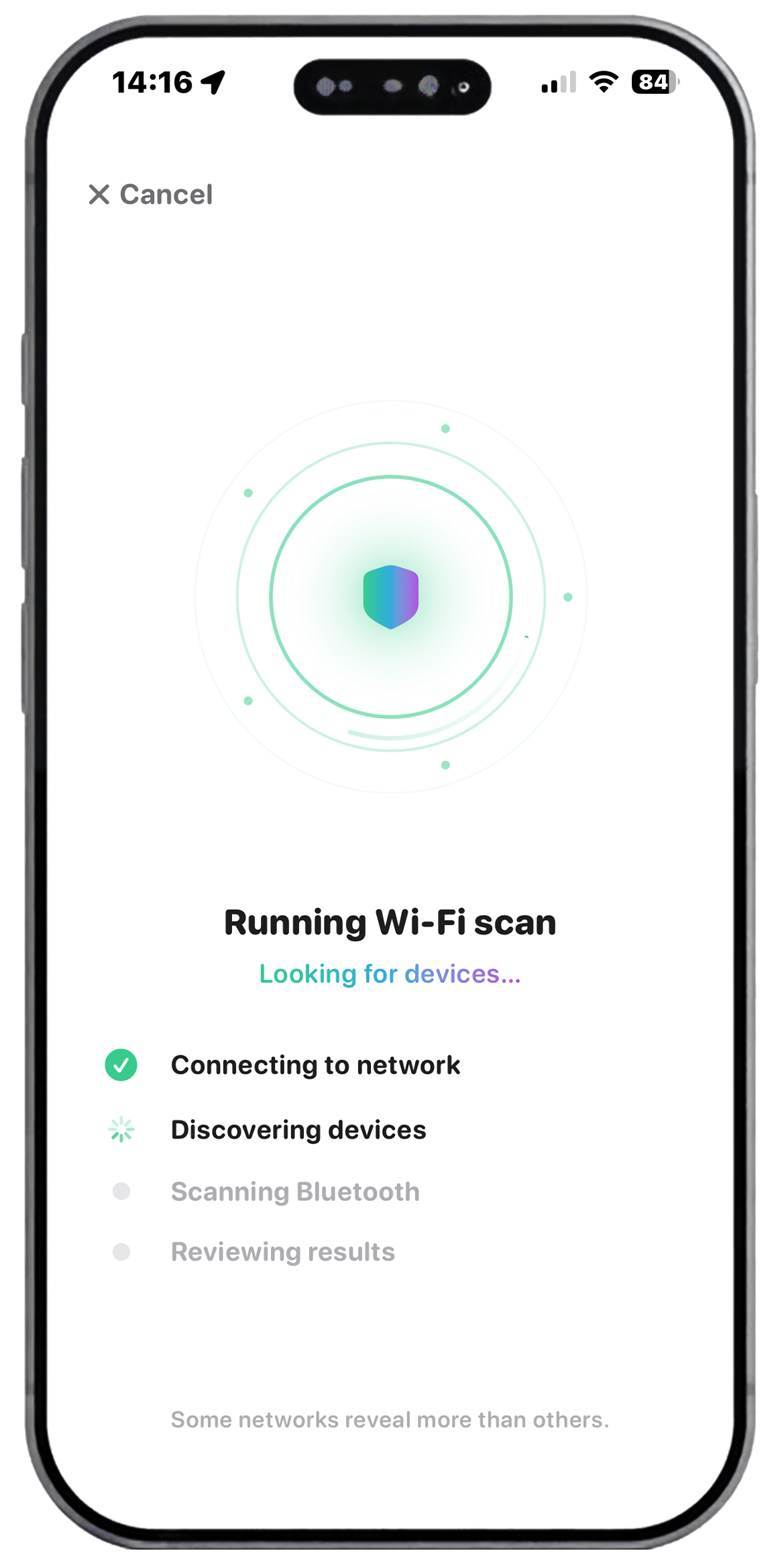
SafeRoom uses Apple's Bonjour/mDNS protocol to enumerate every device on the network — including those not shown in the router's standard device list. Scan runs in 20–40 seconds and flags anything unusual automatically.
Method 2: Bluetooth scan
Bluetooth Low Energy (BLE) cameras are increasingly common. They don't need to connect to the property's Wi-Fi — they communicate directly with the host's device. A Wi-Fi-only scan misses them entirely.
A passive BLE scan picks up every device broadcasting nearby, including cameras, trackers, and microphones. Walk slowly around the room while the scan runs — if a signal gets stronger as you approach a specific location, that's worth investigating physically.
BLE red flags:
- Devices with no name or random alphanumeric identifier
- Strong signal (high RSSI) from a device with no obvious source
- Manufacturer codes associated with camera hardware
Method 3: Infrared check with your iPhone camera
Most covert cameras use infrared LEDs to record in the dark. The human eye can't see IR light, but most phone cameras can — especially the front-facing lens, which lacks an IR filter.
How to do it:
- Turn off all lights
- Open your iPhone camera on the front-facing lens
- Slowly point it at smoke detectors, clocks, USB chargers, and mirrors
- Look for a white or purple glow — that's IR light
Method 4: Physical inspection — the 8 locations to check
Some cameras record to a local SD card with no wireless signal. No electronic scan finds these. Physical inspection is the only method that works.
- Smoke detectors — the most reported hiding spot. Look for a small dark lens. Real smoke detectors have no camera hole.
- Mirrors — fingernail test: press your nail to the surface. Real mirror has a gap between the nail and its reflection. Two-way mirror touches directly.
- Alarm clocks — many spy camera units are sold as functional alarm clocks. Look for a pinhole or lens on the face.
- USB chargers and adapters — especially newer-looking ones that don't match the room's other equipment.
- Vents and air ducts — cameras can be inserted into venting with the lens barely visible through the grille.
- Picture frames and decorations — especially items positioned with a direct sightline to the bed or bathroom entrance.
- Smart TVs — some have built-in cameras. Check the bezel for a lens and consider covering it.
- Bathroom fixtures — shower heads, toiletry holders, and towel racks in reported cases.
Use a torch and shine it slowly across surfaces. Camera lenses reflect a bright, sharp pinpoint — distinctly different from how other surfaces scatter light.
The fastest complete check: SafeRoom
SafeRoom automates the Wi-Fi scan, Bluetooth scan, and guided physical inspection in one workflow — under two minutes total. Every scan saves a timestamped report on your device. If you find something, the report is ready to share with Airbnb, the booking platform, or local authorities. Zero data collected. No account. iOS 17+.
If you find something suspicious: Don't touch it. Document its location with photos. Note the device details from your scan report. Report immediately to the front desk, Airbnb support, or local police. Moving the device can compromise evidence.
Frequently asked questions
How long does a full room check take?
Using SafeRoom: under two minutes. Manually: 5–10 minutes if you're thorough.
Can hidden cameras record without Wi-Fi?
Yes. SD card cameras have no wireless signal — only physical inspection finds these.
Is it legal to scan for hidden cameras in a hotel room?
Yes. Scanning the Wi-Fi you're connected to and passively scanning Bluetooth signals are legal in most jurisdictions. You're observing what's broadcasting in your environment — not connecting to or controlling anything.
Ready to scan your room?
SafeRoom runs a full Wi-Fi + Bluetooth + guided inspection in under 2 minutes. Free to download.
Download Free on App StoreiOS 17+ · Zero data collected · $54/year · Cancel anytime